Castel Wars: Middle Ages – Medieval Mayhem in Pixel Form
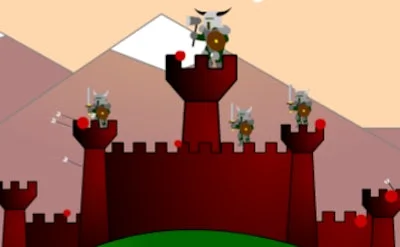
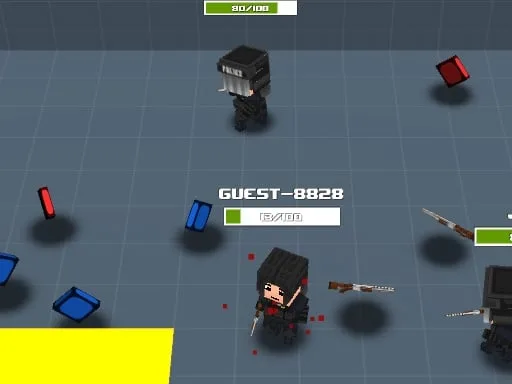
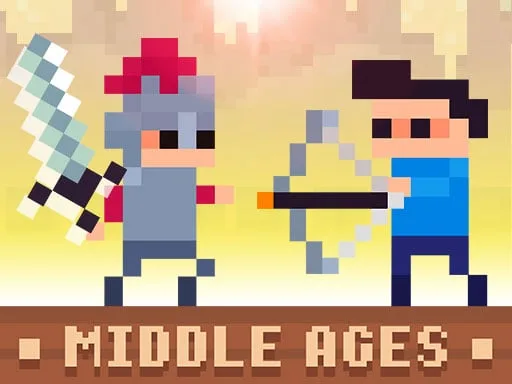
Two kingdoms clash on a retro battlefield. You pick a side, grab a cannon, and start a war that feels both nostalgic and fresh. The game’s pixel art captures the gritty feel of the Middle Ages while delivering fast‑paced, funny action. If you love 2 Player Games that mix strategy with pure chaos, this is the arena you’ve been waiting for.
Mechanics
Controls are simple, but mastery takes skill. Each player commands a unique set of keys, letting you sprint, build, and blast without looking away from the screen.
- Blue Player Move: W A S D
- Blue Player Create Block: S
- Blue Player Hit: E
- Blue Player Throw Weapon (hold down)
- Blue Player Change Weapon: Q
- Red Player Move: Arrow Keys
- Red Player Create Block: Down Arrow
- Red Player Hit: Space
- Red Player Throw Weapon (hold down)
Strategy
Winning isn’t about raw firepower alone. Position your blocks to funnel enemy cannons into dead zones. Keep an eye on the wing bonus; a slow descent can turn a losing skirmish into a surprise attack. Swap weapons with Q (or the red player’s equivalent) to adapt to the opponent’s armor. Remember that a well‑timed block can cancel a powerful hit, buying you seconds to reload. Mix short bursts with long‑range cannon shots to keep the battle unpredictable. The map’s layout changes each round, so a static strategy will quickly become boring. Master the rhythm of holding down the fire button for a charged throw, then release at the perfect moment to maximize damage. The best players treat each match as a chess‑like war, constantly thinking two steps ahead.
Ready to prove your tactics? Jump into the arena, lock horns with a friend, and let the pixel‑perfect chaos begin. Play Castel Wars: Middle Ages now on Pokid and experience a battle that’s as funny as it is fierce.
Blue Player Move W A S D Create Block S Hit E If you hold down the character throws the weapon Change Weapon Q Red Player Move ARROW KEYS Create Block DOWN ARROW Hit SPACE If you hold down the chara