Rinos Quest 2 – Retro Arcade Action That Packs a Punch
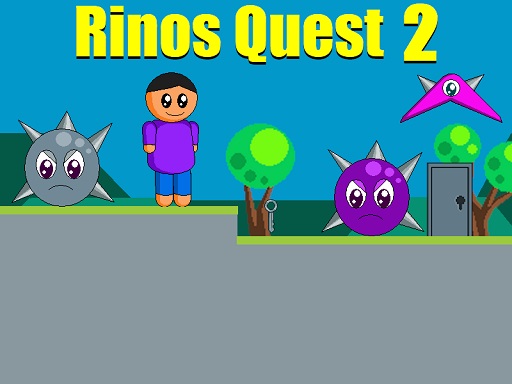
Rinos Quest 2 drops you into a crisp 2D pixel playground where every hop counts. As a lone 1 Player hero, you chase silver keys through eight increasingly tricky stages. The game blends classic Retro charm with modern Arcade pacing, delivering an Adventure that feels both familiar and fresh. Collecting each key unlocks the next platform, while spike monsters, flying foes, and rotating saws keep the pressure on. If you love Cute heroes, tight Jumping mechanics, and relentless platform challenges, this title from Pokid is a must‑play.
Mechanics
Control is simple, yet precise. Master the movement to navigate treacherous terrain and time your jumps for maximum effect.
- Use WASD or Arrow keys for the player’s movement
- Use W or Up arrow key twice for double jump
Strategy
Winning isn’t just about reflexes; it’s about pattern recognition and resource management. Start each level by scanning the layout. Spot the safe zones where you can pause without triggering spikes. Prioritize Collecting the silver keys early; they often sit near hidden crates that contain extra lives or score boosts. When a flying enemy swoops in, retreat to a higher platform and wait for its attack cycle to reset. Use the double‑jump to bypass saw‑blade corridors that would otherwise force a reset. Keep an eye on the timer—some traps reset after a short delay, opening new pathways if you can survive the wait. Mastering the rhythm of Jumping and timing each move will let you shave seconds off your run, which matters for leaderboard bragging rights. The game’s pixel art design makes it easy to spot hazards, but the increasing speed of later stages demands sharper focus. Remember: the farther you progress, the more complex the enemy patterns become, so adapt your strategy on the fly.
Ready to prove your platforming prowess? Jump into Rinos Quest 2 now, and experience the perfect blend of retro pixel charm and modern arcade challenge. Your next high score awaits.
Use WASD or Arrow keys for the player s movement Use W or Up arrow key twice for double jump