Super Spy Mario VS Skibidi Toilet – A 3D Arcade Showdown
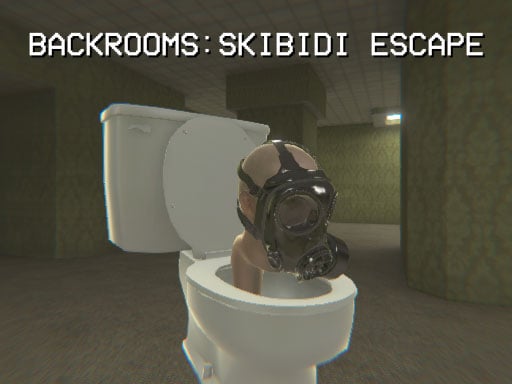
Mario swaps the mushroom for a gadget‑filled trench coat and faces off against the chaotic Skibidi Toilet army. This 1 Player 3D Games experience blends fast‑paced action with sneaky Stealth moves, all built in Unity3D. Every level feels fresh—unique maps, quirky enemies, and a pulse‑pounding race against time. If you love Mario on Mobile and crave an arcade‑style challenge, the clash is impossible to ignore. Pokid delivers the perfect mix of humor and high‑octane gameplay.
Mechanics
Control the Super Spy with precision. Desktop players tap keyboard shortcuts, while mobile users rely on on‑screen buttons. The game’s tight input system makes every jump, slide, and attack feel responsive.
- PC LAPTOP CONTROLS
- Key Left – Move left
- Key Right – Move right
- Key Up – Jump, move up
- Key Down – Move down
- W A S D – Camera Pan
- Z X – Attack
- MOBILE CONTROLS – Use in‑game button on the screen

Strategy
Master the shadow zones. Skibidi Toilets have a predictable patrol pattern; linger in the dark corners to avoid detection. When a toilet spots you, it triggers an alarm that spawns extra foes. Keep your distance, then strike from behind with the Z‑key attack. Upgrade your spy gear between levels—better goggles increase vision radius, and a silent boot reduces footstep noise. Remember: speed wins races, but patience wins stealth missions. Learn each map’s shortcut; the hidden tunnel often bypasses a wave of enemies and cuts your completion time in half. Play the levels in reverse order to uncover secret collectibles that boost your score and unlock bonus arenas.
Ready to prove you can out‑sneak, out‑shoot, and out‑laugh the Skibidi Toilet legion? Grab your device, hit start, and dominate the battlefield. Visit Pokid for more titles or jump straight into the chaos at Super Spy Mario VS Skibidi Toilet. The showdown begins now—don’t miss the most talked‑about 3D arcade experience of the season.
PC LAPTOP CONTROLS Key Left Move left Key Right Move right Key Up Jump move up Key Down Move down W A S D Camera Pan Z X attack MOBILE CONTROLS Use in game button on the screen