World Wars 2 – Tactical Mayhem in Every Click
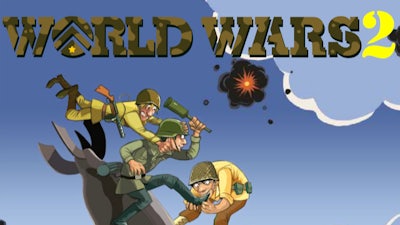
Lead your nation through brutal conflict and emerge as the sole survivor. Up to seven AI rivals vie for dominance, and every decision can flip the tide of war. Master the battlefield, out‑maneuver opponents, and claim every territory before the flash of the final artillery strike ends the fight.
Mechanics
The interface is built for fast, decisive action. Tap or click to move, select, and command—no menus slowing you down.
- Controls Click/tap a unit that you'd like to use for an attack to select them, then click/tap the adjacent territory where an enemy unit is located. If you'd like to use an attack card, select the card first by clicking/tapping it from the bottom of the screen, then selecting the unit you'd like to use it. For defense cards/utility cards, simply choose the card then select the unit you'd like to use it on. Select "End Turn" once you're done with your attack and defense strategies. You can also click/tap on "Skip" during the animations to skip them entirely.
Strategy
Winning isn’t just about brute force; it’s about timing, positioning, and card synergy. Secure choke points early to limit enemy movement, then unleash airstrike cards when opponents cluster. Keep a defensive card in reserve for surprise counter‑attacks—those sudden flashes of protection can turn a losing front into a winning line. Expand methodically: hold the center, then radiate outward, forcing rivals to overextend. Adapt your play style to each AI’s personality—some rush, others bunker down. Master the ebb and flow, and the victory will feel inevitable.
Ready to dominate the battlefield? Jump into World Wars 2 now, and experience the edge‑of‑your‑seat strategy that only Pokid can deliver. Your empire awaits—conquer it today.
Click/tap a unit that you'd like to use for an attack to select them, then click/tap the adjacent territory where an enemy unit is located. If you'd like to use an attack card, select the card first by clicking/tapping it from the bottom of the screen, then selecting the unit you'd like to use it. For defense cards/utility cards, simply choose the card then select the unit you'd like to use it on. Select "End Turn" once you're done with your attack and defense strategies.
You can also click/tap on "Skip" during the animations to skip them entirely.